Creative Tools
Screenshot App Mockups
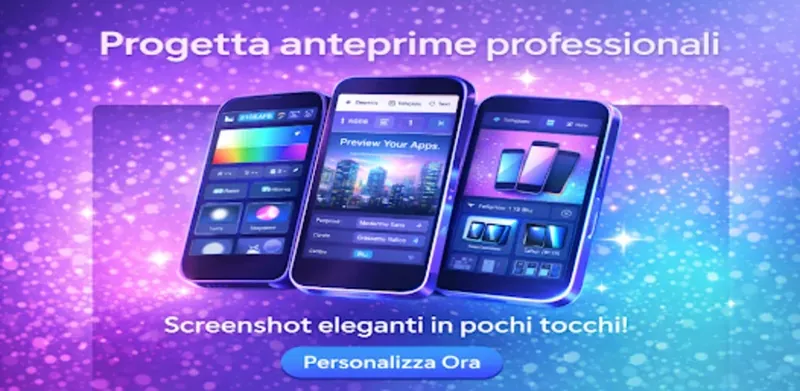
Create app presentation images with device frames, touch-based layouts, custom backgrounds, typography, and effects.
A multitrack video editor with AutoCut, editable captions, templates, and audio tools.
Need help with this app? Contact support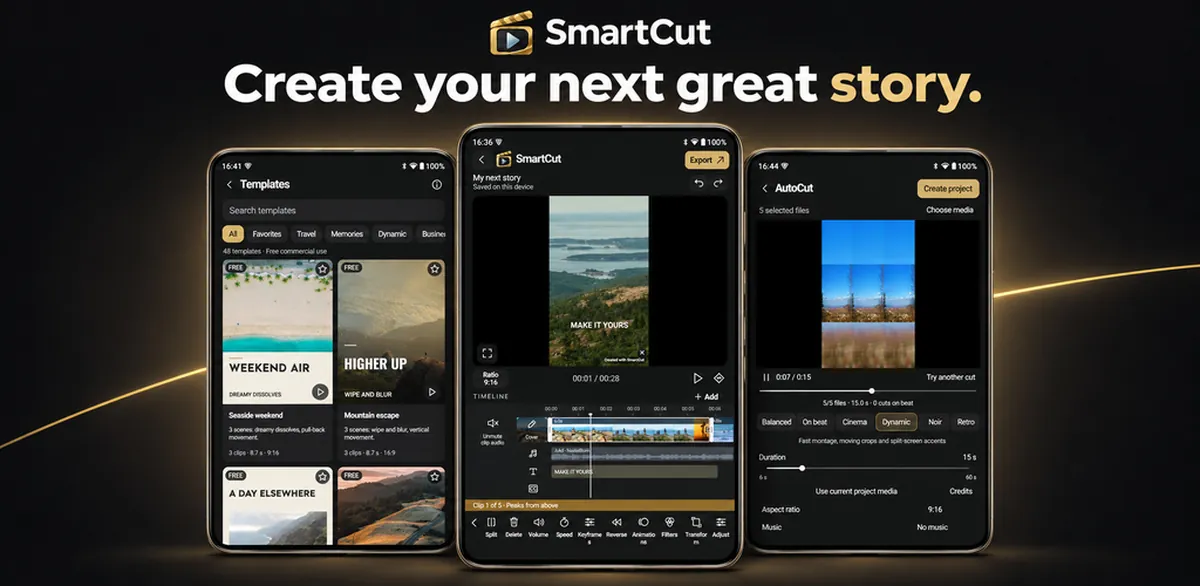
SmartCut brings video clips, photos, titles, and sound together on a multitrack timeline. Start with a blank project, turn selected media into a montage with AutoCut, or make a template your own. Fine-tune each cut, edit captions, and export your finished video or GIF.
Create app presentation images with device frames, touch-based layouts, custom backgrounds, typography, and effects.
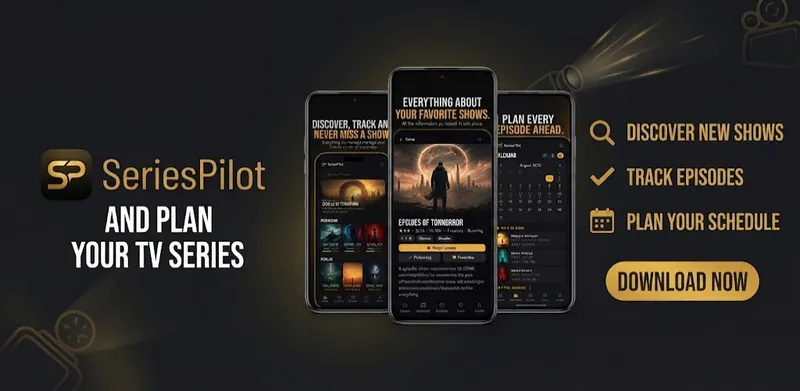
Follow your favorite series with watchlists, episode tracking, release calendars, reminders, and a community of TV fans.
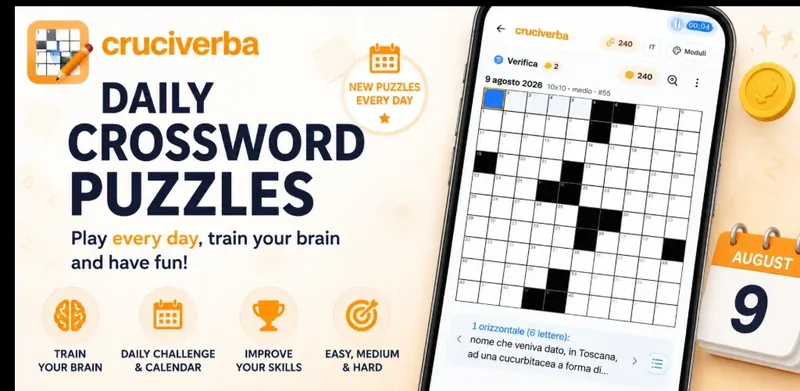
Solve daily crosswords in different grid sizes and difficulty levels, with hints, progress tracking, and visual themes.
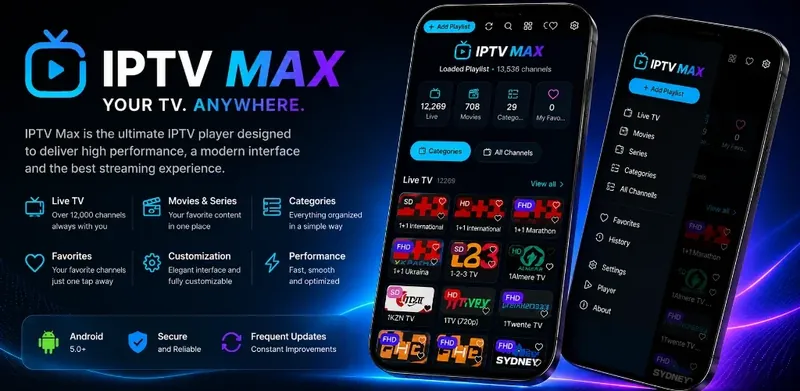
Play your own IPTV playlists and organize live channels, movies, and series with favorites, search, and viewing controls.