Connect your platforms
Connect YouTube and Twitch through their official authorisation screens. Android supports simultaneous streaming to both, directly from your device, without a developer-operated relay server.
 Stream Game Live
Mobile gameplay · your broadcast
Turn your phone or tablet into a gaming broadcast studio. Choose your layout, camera and audio, then stream directly to the platforms you connect.
Android release preparation · iOS version in development
Connect YouTube and Twitch through their official authorisation screens. Android supports simultaneous streaming to both, directly from your device, without a developer-operated relay server.
Use portrait or landscape video, an optional camera window, on-device background replacement, built-in backgrounds and your own images. Keep the game in its original proportions.
Control game sound and microphone independently. Optionally keep an MP4 copy on your device, including a lighter saving option, then watch, rename, favourite or delete it.
The Android app currently implements YouTube, Twitch and compatible custom streaming destinations. Platform approval, account eligibility, network conditions and device capability affect availability. YouTube's required OAuth review is separate from the app-store release.
The iOS version is in development. iOS screen broadcasting uses ReplayKit and does not provide Android's one-app capture isolation; background camera availability also depends on the device and supported multitasking.
TikTok LIVE integration is requested and is not currently available. We are configuring TikTok Login Kit to let a user explicitly link their TikTok account and display its name and avatar. Login Kit is separate from LIVE publishing: TikTok broadcasting will stay unavailable until the required official access and integration are approved and implemented.
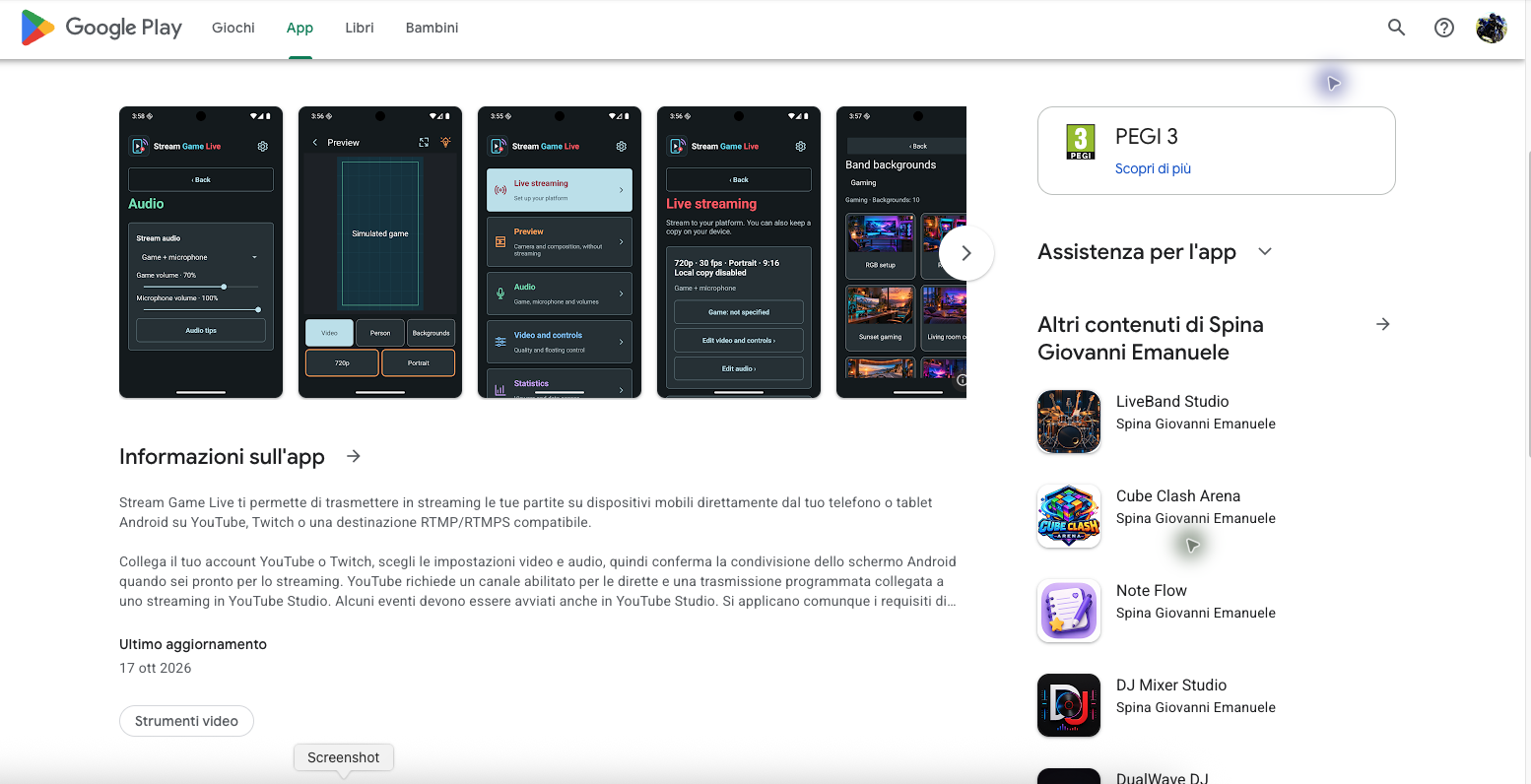
Home, streaming setup, composition preview, backgrounds and audio controls on a phone and a tablet. Tap a screenshot to view it in full.
Screenshots captured in October 2026 from the Android app for release preparation. The interface may change between versions. The preview is labelled “Simulated game”; none of these images claims a TikTok broadcast or TikTok login is already working.
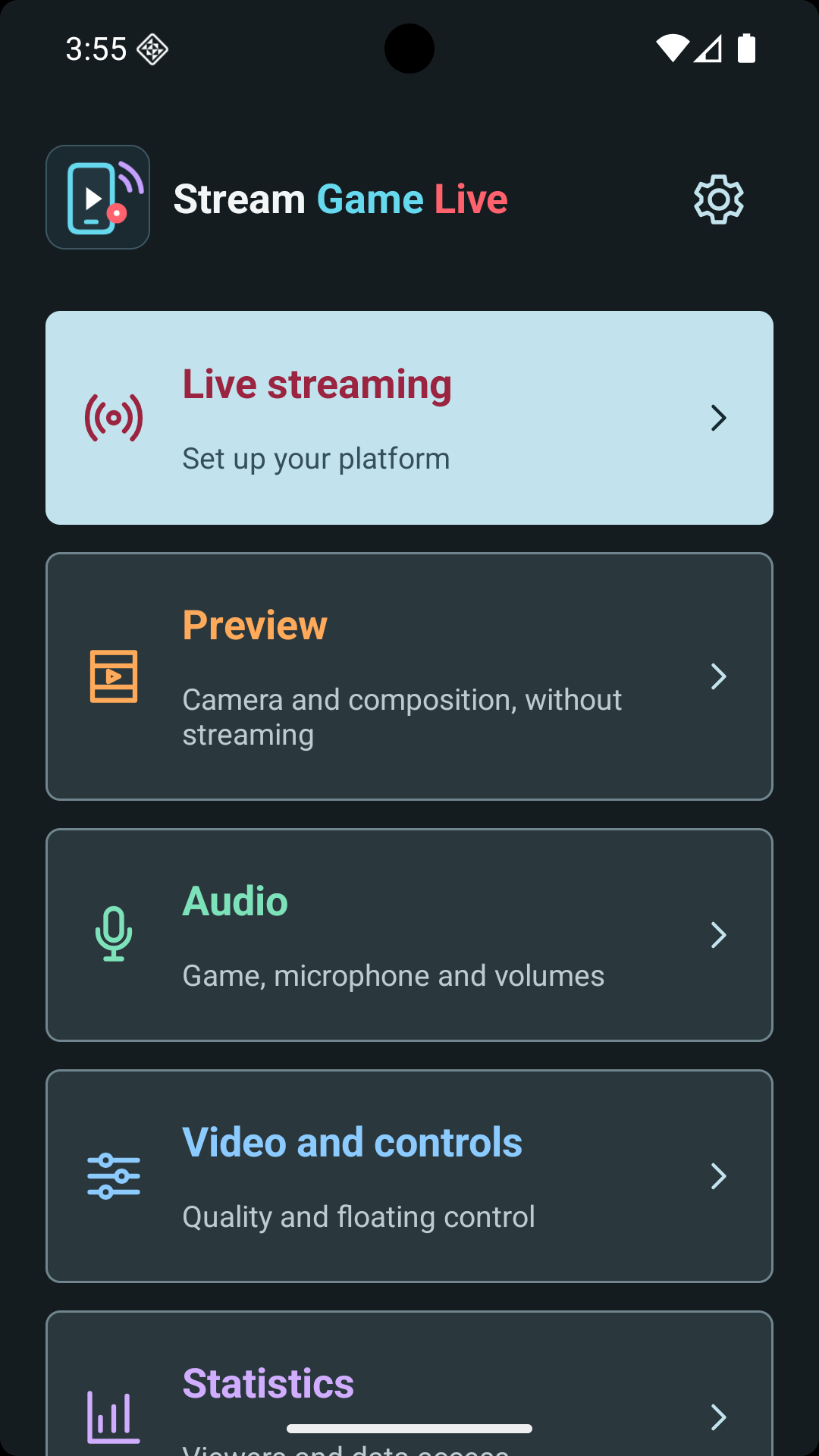
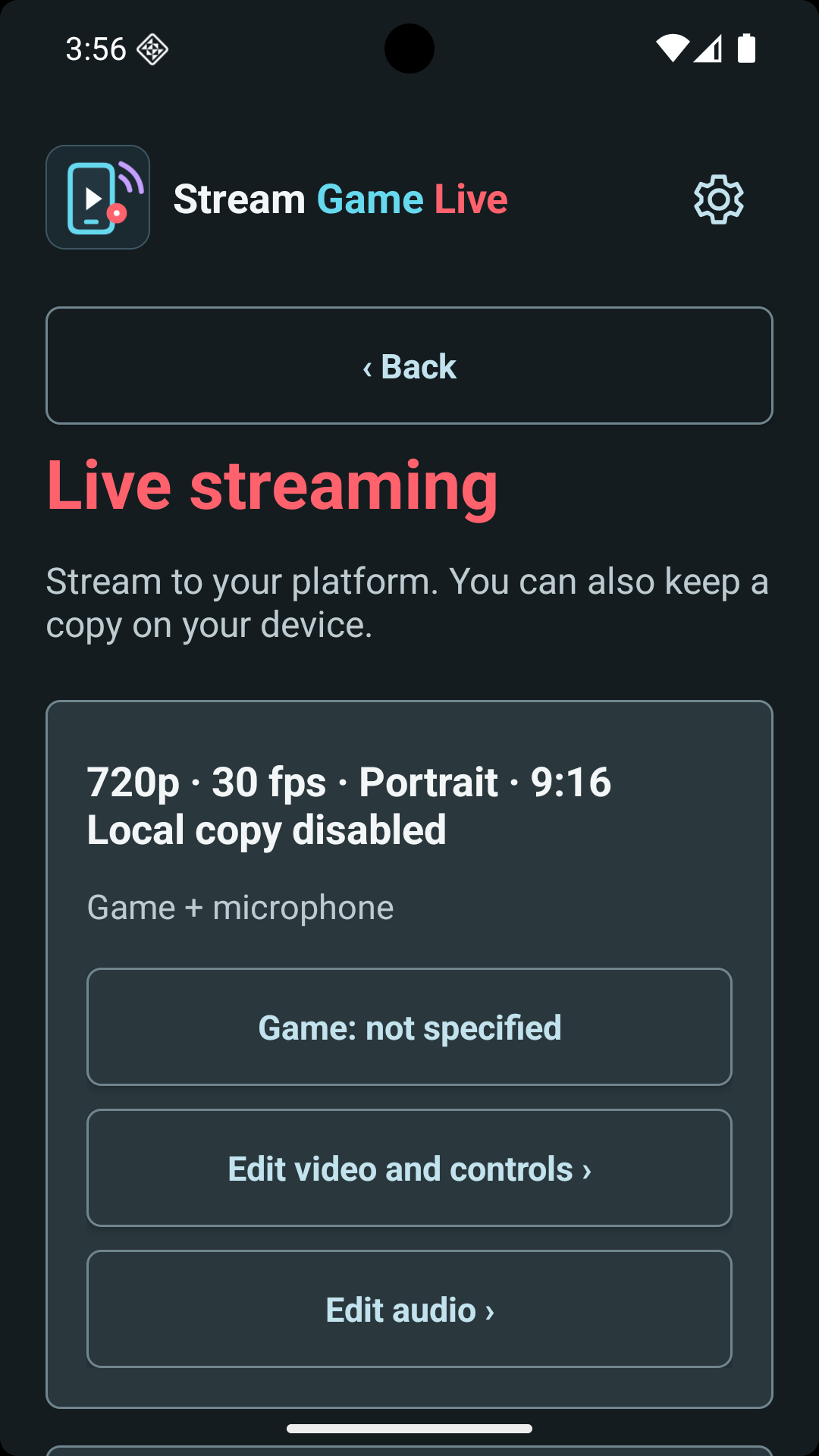
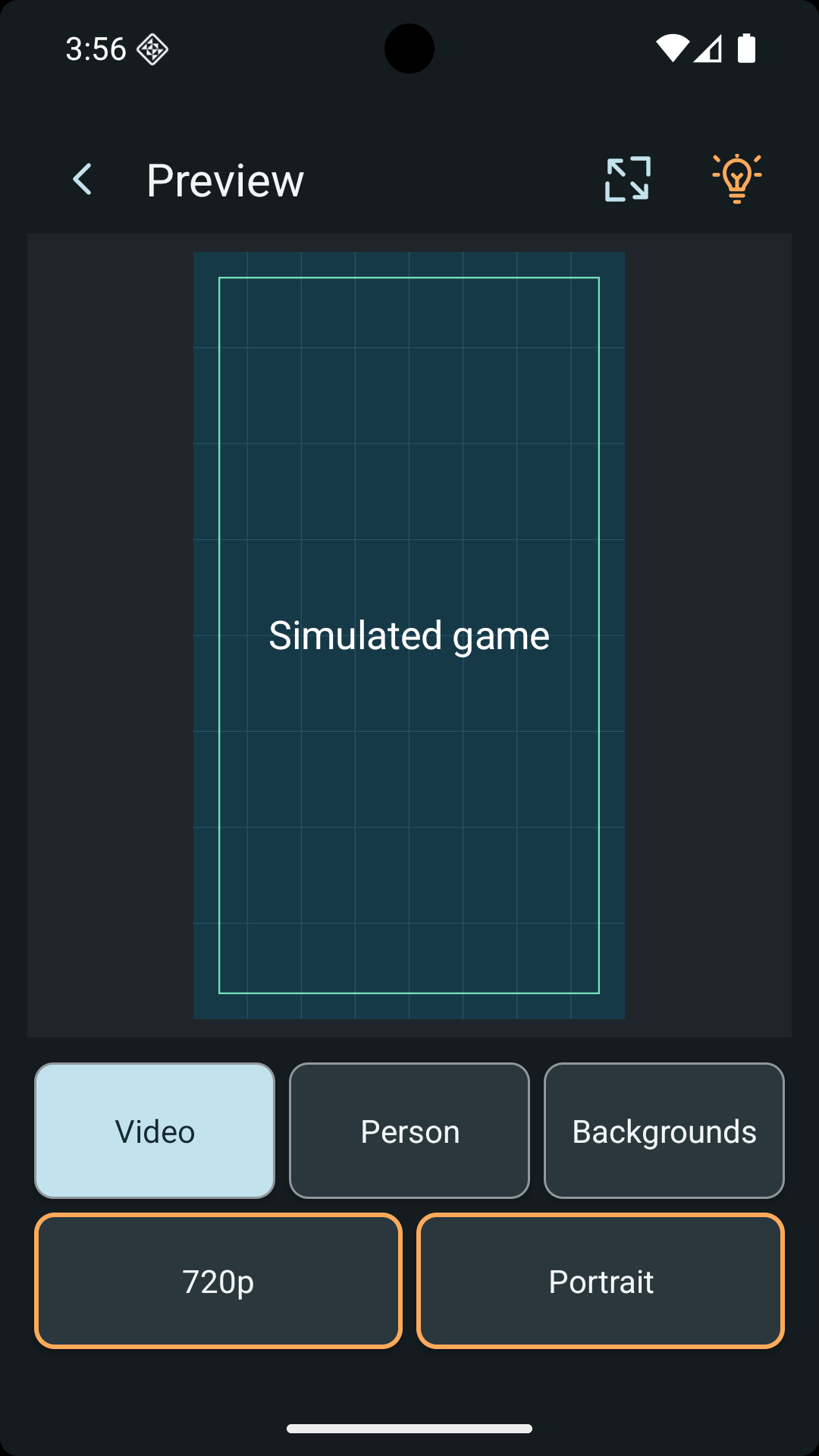
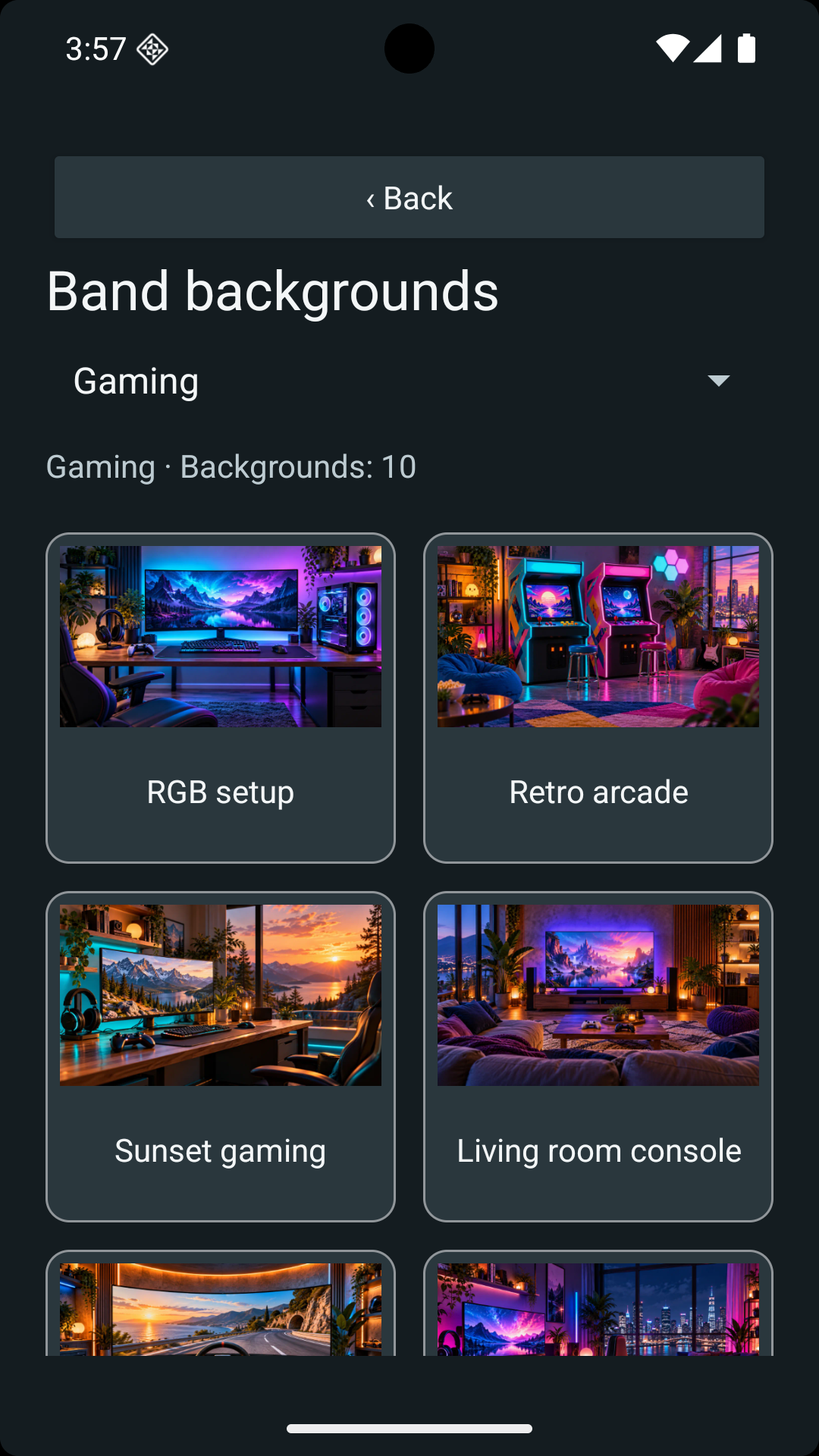
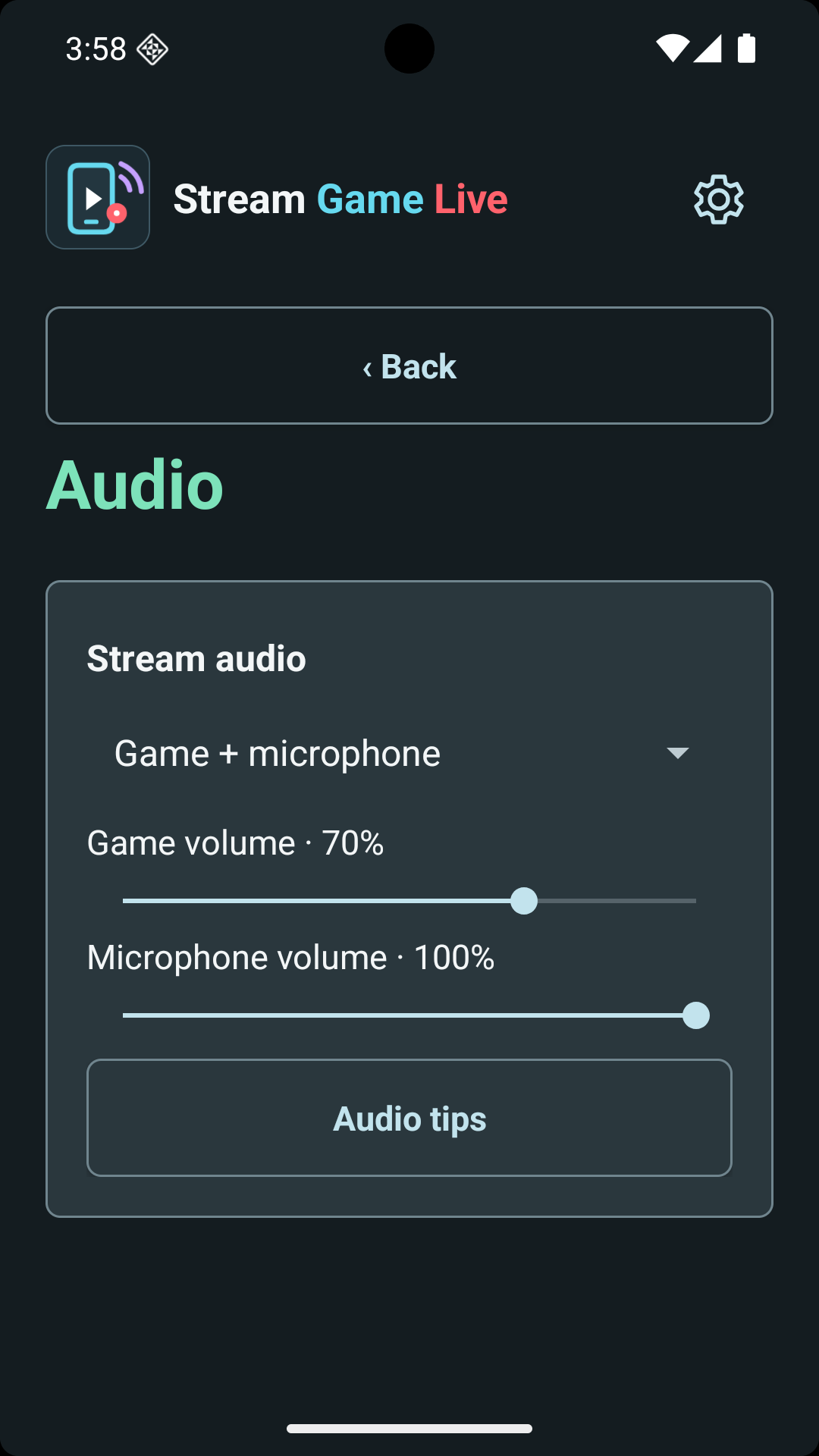
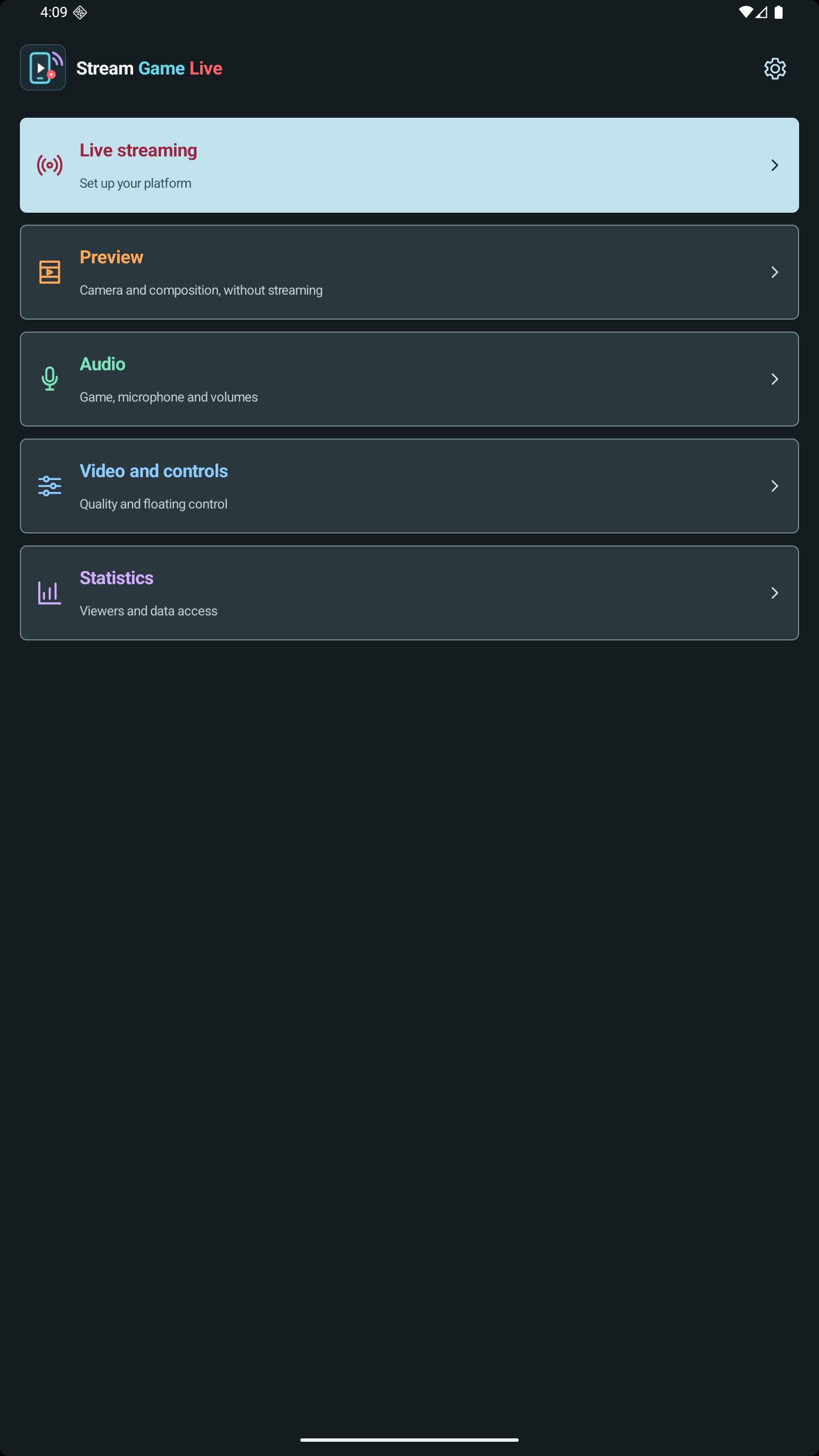
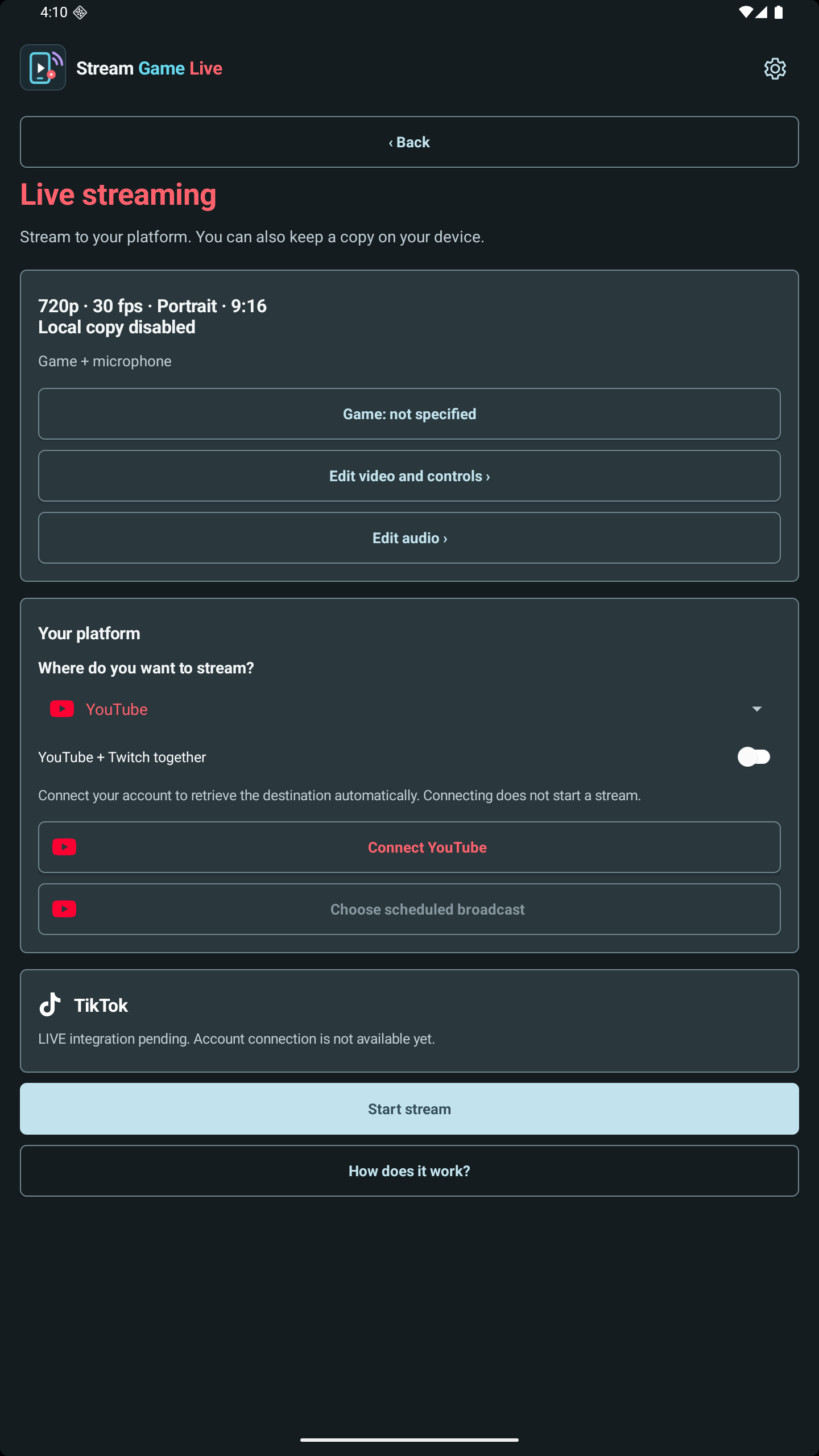
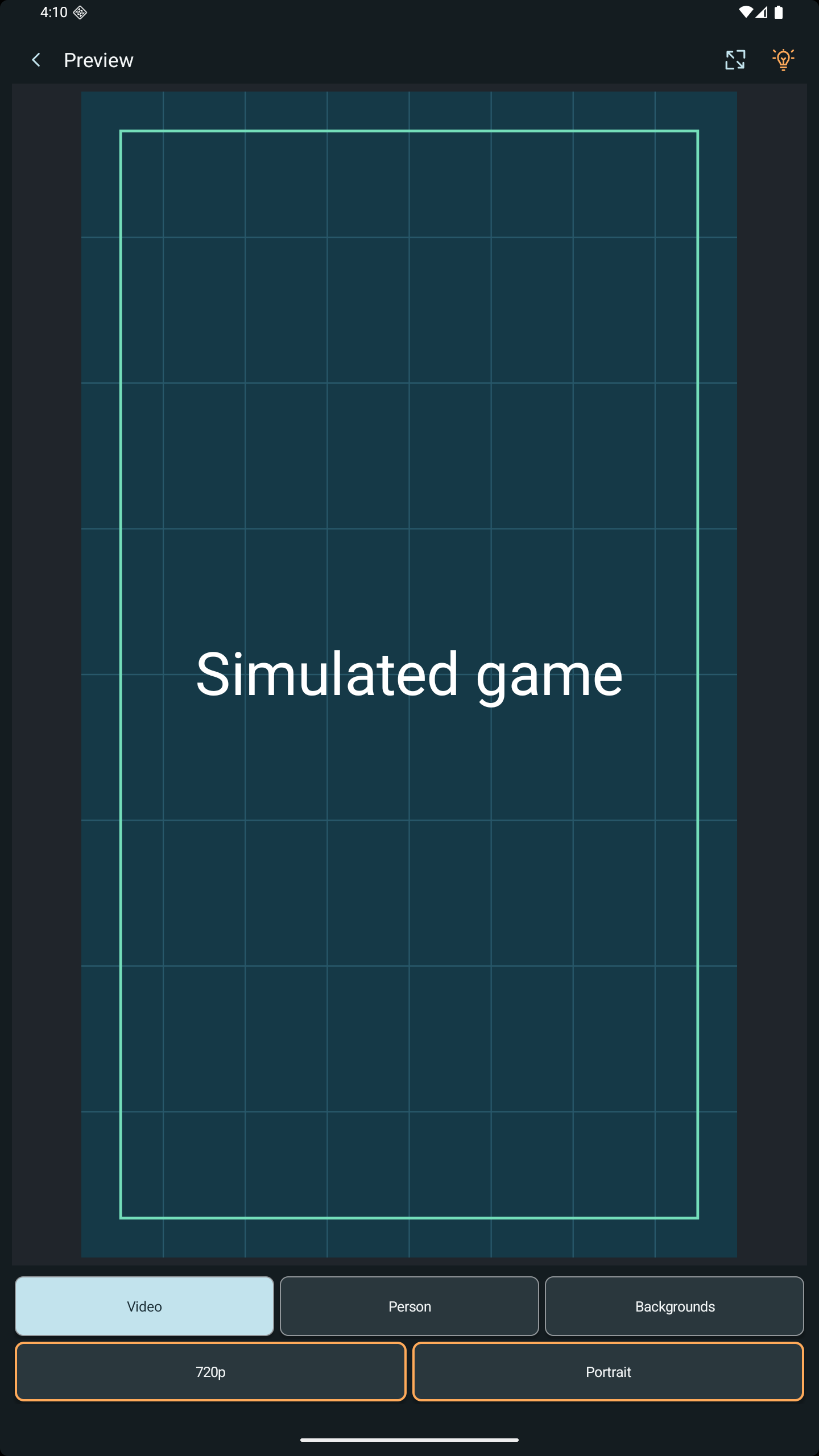
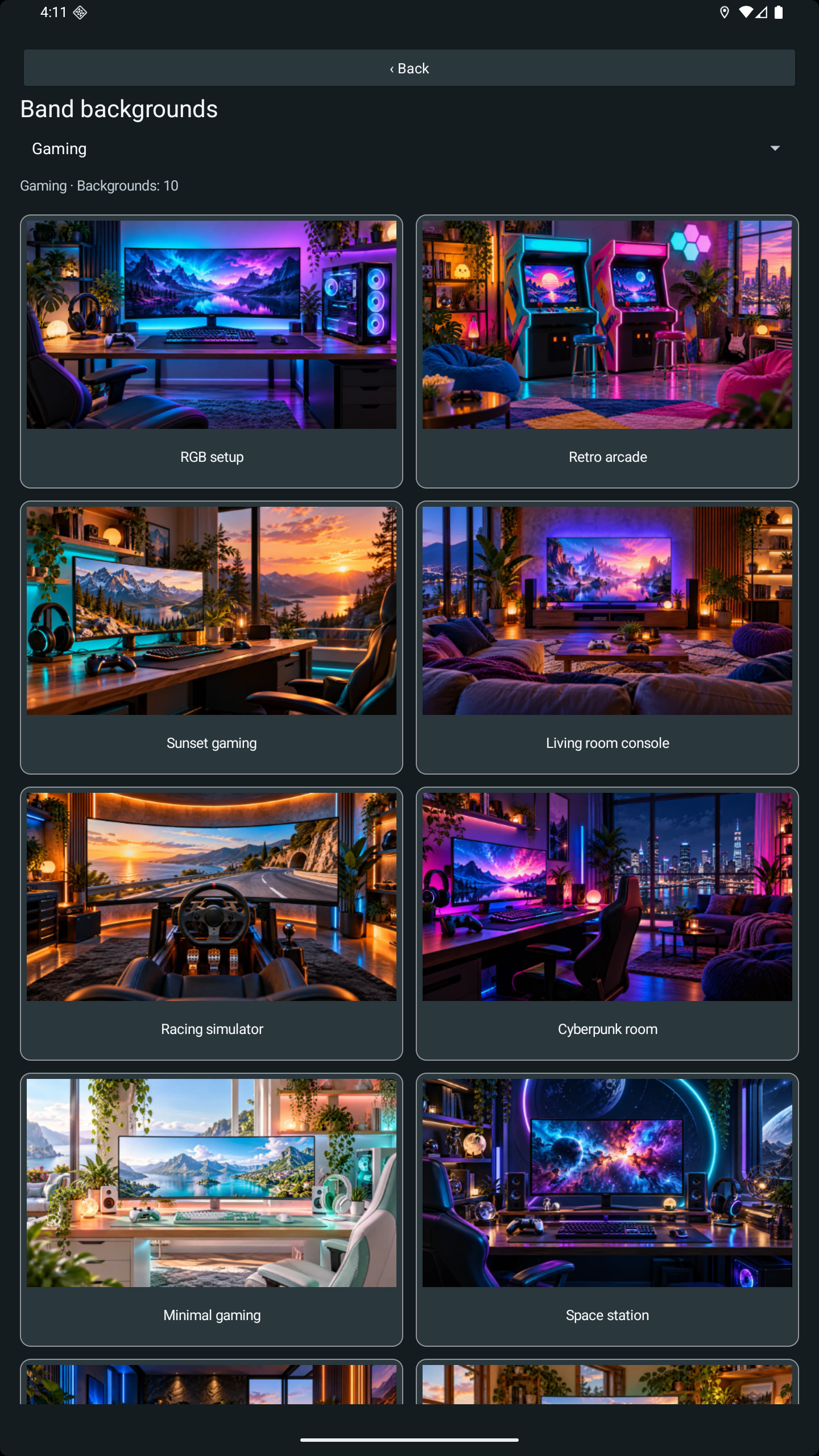
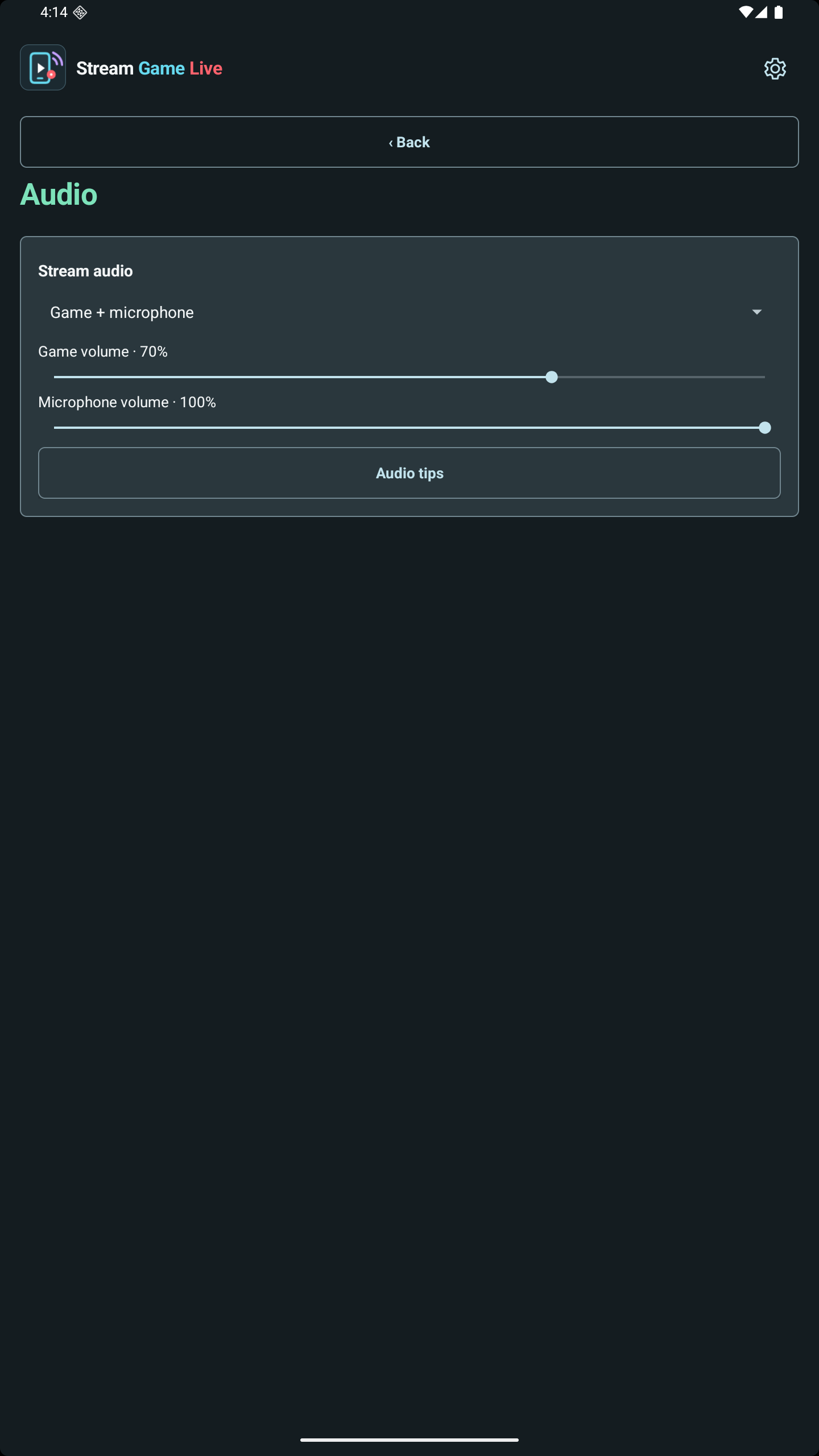
The operating system asks for screen-sharing permission. Camera and microphone are optional and can be disabled independently. Person segmentation runs on the device; your camera is not uploaded to the developer for background removal. Stream video goes to the destinations you choose.
Connected-account tokens, stream destinations, settings and local copies are stored on the device. The developer does not operate a streaming relay or a social-account database. Recent Android test versions include AdMob advertising, privacy choices and a one-time Remove ADS purchase verified through RevenueCat and Google Play. Version 68 also uses a separate service for signed ad settings and limited technical monitoring. It receives no stream media or social credentials. Older test tracks may have different features.
After you explicitly start a stream, the Android app can create and bind your YouTube broadcast using the title, visibility and audience setting you choose, then request completion when you press STOP. The Google permission is broad, but the app does not use it to delete platform videos, upload local recordings, edit comments or change channel settings. The full permission description and Google Limited Use commitments are in the Privacy Policy.
Developer: Giovanni Emanuele Spina / AppCode. Contact creo.app.app@gmail.com for support, privacy enquiries or information about availability.
Stream Game Live is an independent app. YouTube, Twitch and TikTok are separate services and are not the publisher of this app.
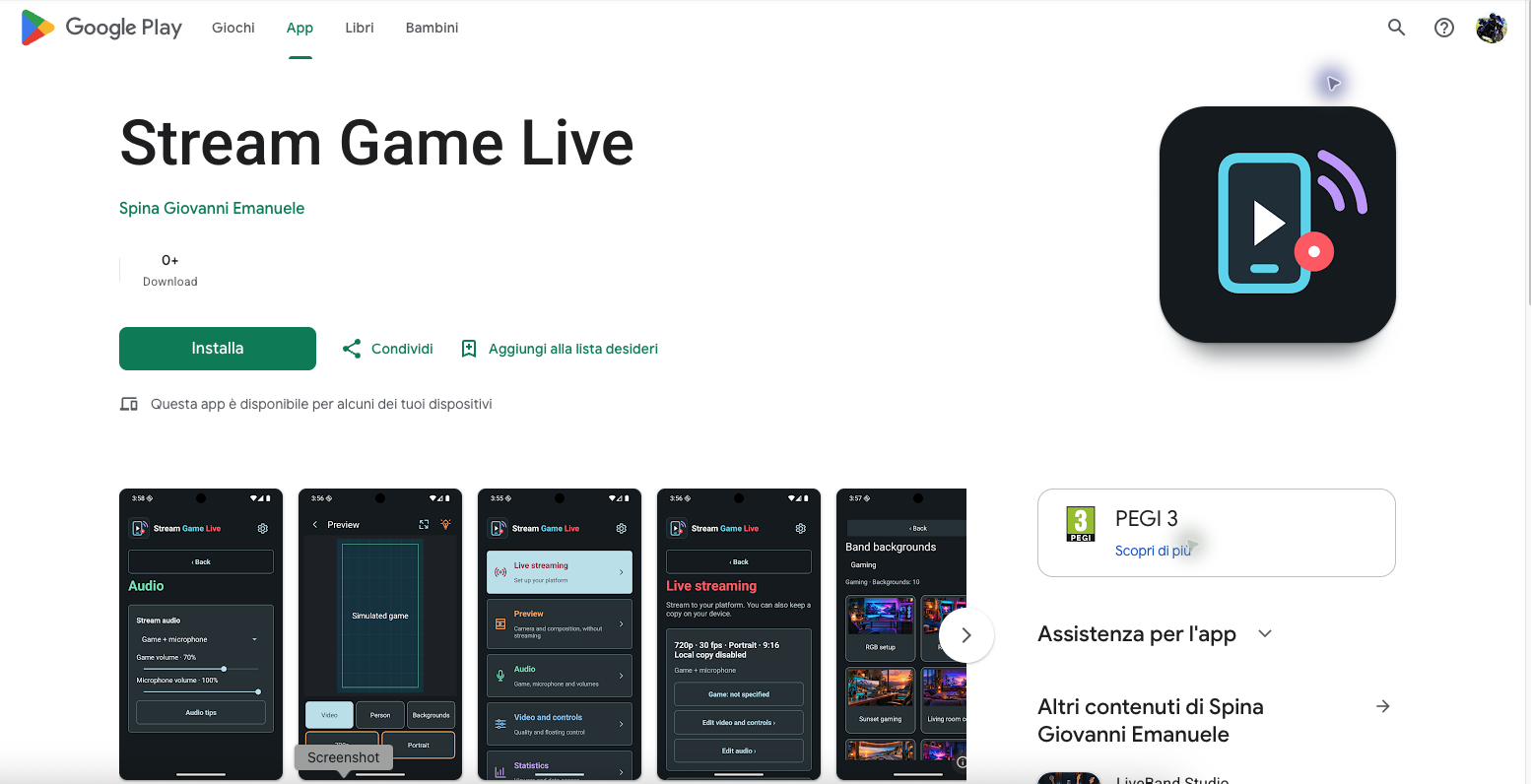
The Android app is currently distributed through test tracks; public production is not active. Internal and closed-test tracks can contain different versions. The Google Play listing can require membership in the test group and may not be accessible to a TikTok reviewer or another visitor. These two developer-provided captures document the test listing; they do not claim public availability or provide access to install the app.
Google Play listing (test access may be required)
Explore the home screen, video and audio settings and a composition preview in your browser. Choose portrait or landscape, position the camera placeholder, adjust its size and apply backgrounds. The demo remembers its settings on this browser and processes selected images locally.
This is a browser demonstration of selected features, not the Android app or a working TikTok integration. It does not access your camera or microphone, capture the screen, connect social accounts, record media or broadcast.